
Skip to content
Delivery blueprintRestaurants & FoodConcept artwork

Order intake across channels in one workflow

Restaurants take orders through chat, phone, marketplaces and the counter. The blueprint routes every channel into one kitchen-facing queue with clear status for staff and customers.

How to read this page: Illustrative delivery blueprint: this page describes how TECH360 would approach a common operational problem. It is not a named client engagement, and no measured outcome is claimed — the measurement plan lists what a real engagement would have to baseline first.

The challenge

What slows the team down today

A restaurant accepts orders through chat, phone, marketplaces, and walk-ins, with staff coordinating status across separate tools.

The approach

How TECH360 would structure it

route order events into one operational queue with confirmations, preparation and delivery status, and branch reports.

Operating workflow

Four stages, one auditable record

  1. 01

    Order intake

    Orders from each channel are normalised into a single order record.

  2. 02

    Kitchen prep

    The kitchen display shows queued, in-progress and ready orders.

  3. 03

    Courier

    Delivery orders are handed to a rider with an address and contact.

  4. 04

    Delivered

    Completion is recorded and the customer receives a status update.

Media

Motion preview, setting and architecture

Every item is labelled with how it was made. None of it is footage or a screenshot of a client system.

  • Concept motion preview
    Video description: Silent 12-second explainer. It opens on concept artwork of the restaurants & food setting, then steps through the four blueprint stages — Order intake, Kitchen prep, Courier, Delivered — and closes on a TECH360 end card. It is labelled as a concept preview throughout and is not footage of a real client.
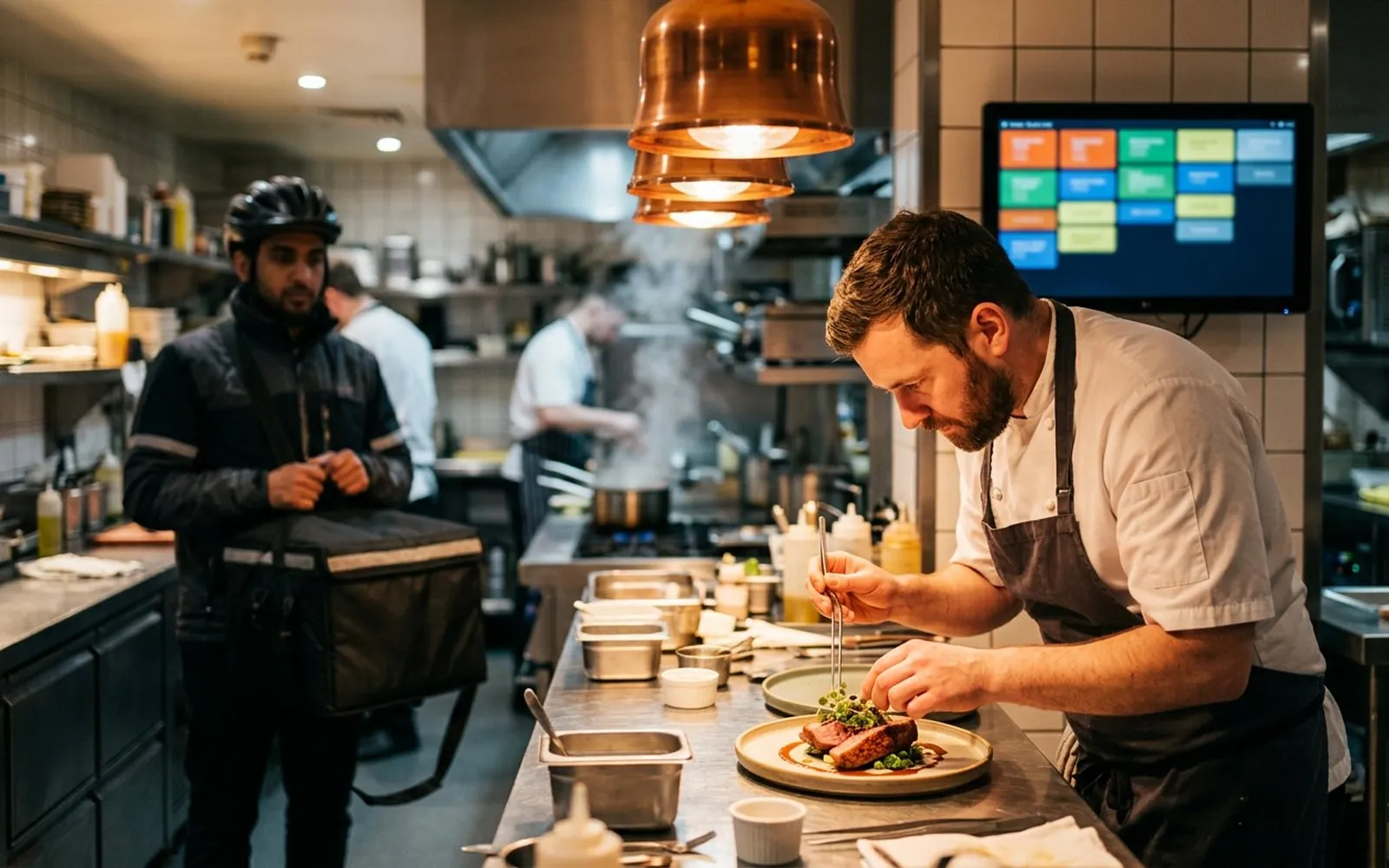
  • Concept artwork of the operating setting — not a photograph of a real client or deployment.
  • Multi-channel restaurant order intake, kitchen prep, and delivery queue — architecture diagram; bars are placeholders, not data.

Intended outcome

What the system is designed to change

staff can review order status across channels. Error rates, speed, and branch performance must be measured during delivery.

Measurement plan

How results would be proven

  • Baseline order-to-ready time per channel for a defined service period.
  • Count orders re-keyed manually between systems per shift.
  • Track order-status enquiries handled by staff, before and after.

Assumptions & dependencies

Assumptions and dependencies

  • Marketplace integrations depend on the partner API access available to the restaurant.
  • Kitchen display hardware is provided on site.
  • Concept artwork: a clinic receptionist confirming an appointment on screen while a patient holds a phone with a reminder message.
    Delivery blueprint
    Concept artworkIncludes a concept motion preview,0:12

    Healthcare

    Appointment reminders organized in one workflow

    A multi-physician clinic relies on front-desk staff to call patients about appointments; reminder work competes with other duties during busy periods.

    1. Booking
    2. SMS reminder
    3. Patient reply
    4. Clinic queue
    • Operations & ERP
    • Messaging
    • Workflow Automation
    Read the blueprint
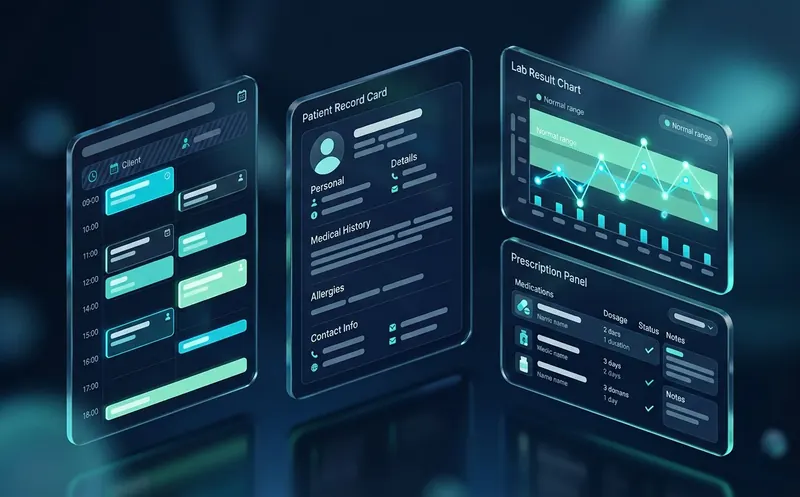
  • Concept visual of a clinic management system with an appointment timeline, patient record card and lab result chart on a dark navy background.
    System scenario
    Concept artworkIncludes a concept motion preview,0:12

    Healthcare

    Clinic System

    Appointments, patient records and reminders with a controlled access model.

    1. Book
    2. Check in
    3. Consult
    4. Follow up
    • Operations & ERP
    • Messaging
    Explore the specification
  • Concept visual of a WhatsApp sales funnel with a chat thread, funnel chart and lead stage list on a dark navy background.
    System scenario
    Concept artworkIncludes a concept motion preview,0:12

    Professional Services

    WhatsApp Sales Funnel

    First message to qualified lead, logged in the CRM at every step.

    1. Message
    2. Qualify
    3. Assign
    4. Advance
    • Messaging
    • CRM & Sales
    • Workflow Automation
    Explore the specification

Next step

Have a workflow like this one?

Tell us where the process breaks today. We will document the scope, the measurement baseline and the milestones in writing before any build starts.

Discuss your workflow

Every engagement is on-record: Client ID, written scope, verified payments, full handover.