


System scenario
Concept artworkIncludes a concept motion preview,0:12
Education
School ERP
Attendance, timetable, fees and parent communication for a full institution.
- Enrol
- Attend
- Bill
- Report
- Operations & ERP
- Client Portals
Courier teams spend significant time answering “where is my parcel?”. The blueprint shares configured milestones through a tracking link while dispatch keeps one operational view.
How to read this page: Illustrative delivery blueprint: this page describes how TECH360 would approach a common operational problem. It is not a named client engagement, and no measured outcome is claimed — the measurement plan lists what a real engagement would have to baseline first.
The challenge
A courier team receives repeated parcel-status questions while shipment information is spread across dispatch tools.
The approach
shipment records, customer-visible tracking links, milestone notifications, and a dispatch planning view.
Operating workflow
Manifest
Shipments are created or imported with recipient and service level.
Dispatch
Shipments are assigned to routes and riders in the planning view.
Live tracking
Customers follow configured milestones through a private tracking link.
POD verified
Proof of delivery is captured and attached to the shipment record.
Media
Every item is labelled with how it was made. None of it is footage or a screenshot of a client system.
Intended outcome
customers can view configured shipment updates. No call-volume reduction or dispatch-time claim is made.
Measurement plan
Assumptions & dependencies
Education
Attendance, timetable, fees and parent communication for a full institution.
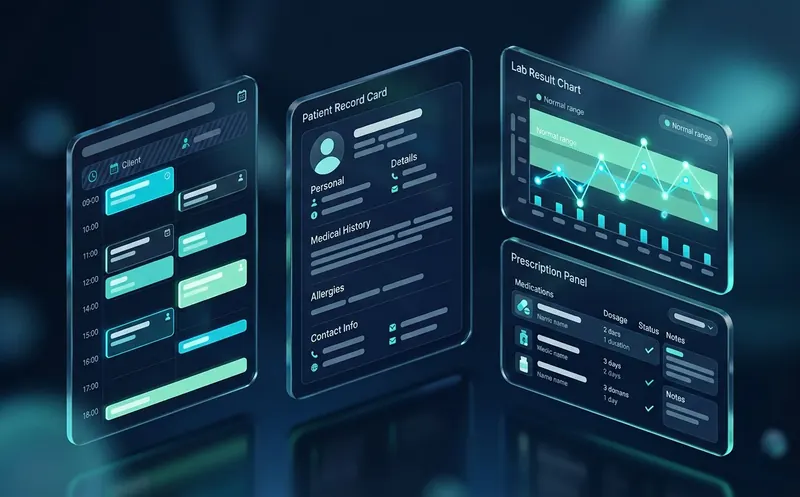
Healthcare
Appointments, patient records and reminders with a controlled access model.

Healthcare
A multi-physician clinic relies on front-desk staff to call patients about appointments; reminder work competes with other duties during busy periods.
Next step
Tell us where the process breaks today. We will document the scope, the measurement baseline and the milestones in writing before any build starts.
Every engagement is on-record: Client ID, written scope, verified payments, full handover.
If you accept analytics and advertising technologies, the site may load Google Tag Manager and Meta Pixel. These services may receive technical, browser, and event data according to the live configuration and their own policies. Privacy Policy