
Client Portal
Secure self-service for scope, preview, invoices and handover.
- Modules
- 6
- Journey steps
- 4
- Integrations
- 4
- Indicative build
- 5–8 weeks
How to read this page: Concept specification: this page documents a system TECH360 can build. It is not a delivered client project, a verified case study, a working demonstration or a measured outcome.
B · Problem & target users
What this system is designed to replace
- Clients ask for status by email, which staff answer manually.
- Scope changes are agreed verbally and later disputed.
- Invoices and handover files are scattered across threads.
Target users
- Clients
- Project managers
- Finance
C · Objectives & intended benefits
Design intent, not measured outcomes
- Expose scope, milestones and approvals in one authenticated place.
- Record scope changes and approvals against versions.
- Release final source and documents only after verified payment.
These are goals the build is designed to serve. No efficiency, revenue or conversion result is claimed.
D · Product overview
What the system is, and where it runs
An authenticated client area covering the delivery journey: scope review and approval, preview links, invoice and receipt access, support threads and final handover confirmation.
Client portal
Milestones, previews, invoices and handover.
Staff console
Publish milestone states and artefacts.
Notification layer
Email and in-app notices on state change.
Platforms listed describe the intended build. A specific engagement may narrow or extend them after scope approval.
E · Module inventory
Modules in the specification
- One-time-code sign-in
- Scope review and recorded approval
- Preview link with expiry
- Invoice, receipt and payment status
- Document vault
- Handover and password-change confirmation
Capabilities the system is designed to provide
- Give the client read access to only their own records
- Record scope and preview approvals with timestamps
- Expose invoices and receipts without email attachments
- Capture handover acknowledgement in writing
F · Screen gallery
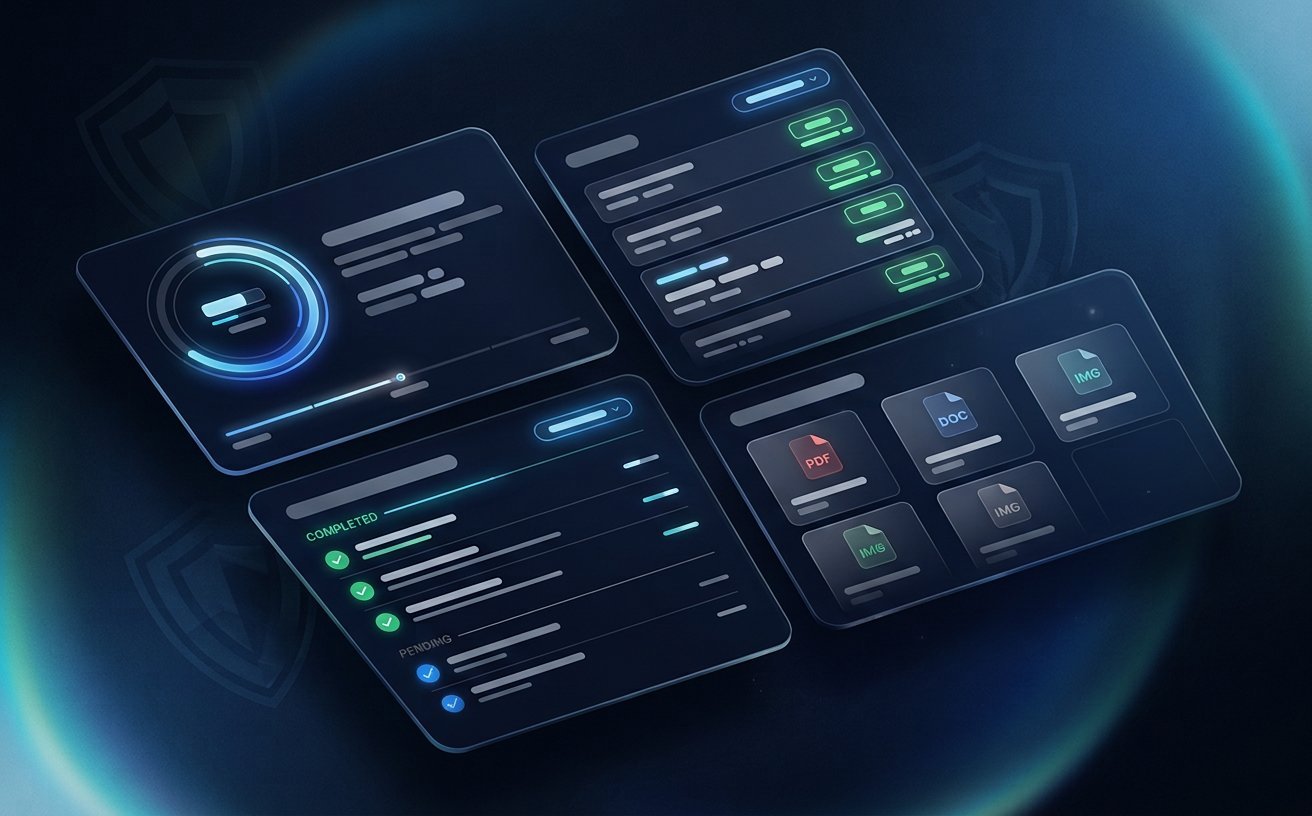
No verified product screenshots for this concept
This project has not been built, so there are no application screenshots to show. The image on this page is a generated concept visual, not a capture of working software. Presenting it as a product screenshot would misrepresent the system, so this section says so explicitly.
G · User journey
The intended path through the system
Step 1
Sign in
The client authenticates and sees only their own project.
Step 2
Review
A preview is shared with explicit, limited scope.
Step 3
Approve
Approval is recorded against the exact version reviewed.
Step 4
Receive
Handover artefacts unlock after verified payment.
H · Roles & permissions
Who can do what
| Role | Access boundary |
|---|---|
| Client | Own project, invoices and approved files. |
| Project manager | Publish milestones and previews. |
| Finance | Verify payments and release handover. |
I · Architecture & API
Service boundary and HTTP surface
| Endpoint | Purpose |
|---|---|
| GET /api/portal/projects | Projects scoped to the signed-in client. |
| POST /api/portal/approvals | Record client approval for a version. |
| GET /api/portal/handover/:id | Authorised artefact download after release. |
Endpoints are the intended contract. Authorisation is enforced server-side per role, never only in the interface.
J · Data entities
Core entities and relationships
| Entity | Relationship |
|---|---|
| Project | Has milestones, approvals and artefacts. |
| Approval | Binds a version and a client identity. |
| Invoice | Belongs to a project; carries verification state. |
| HandoverArtefact | Locked until payment verification. |
K · External integrations
Provider-dependent integration points
- SMTP for codes and notices
- File storage
- Payment provider
- CRM
- Authentication provider
- Object storage
- Payment verification
Each integration is configured and accepted against the specific provider account before go-live.
L · AI & automation
Opportunities and their human gate
Summarise project activity into a weekly client update.
Human gate: Project manager edits and sends.
Detect ambiguous scope wording in a change request.
Human gate: Project manager decides whether to raise a change order.
M · Security, privacy & accessibility
Controls the build is specified to enforce
- Project access is scoped by client identity on the server.
- Handover artefacts are gated by verified payment state.
- Every download is logged with actor and timestamp.
Accessibility is treated as an acceptance criterion for keyboard, focus and contrast on every screen. No certification or audit result is implied.
N · Testing & quality assurance
What would have to be proven before handover
- Cross-client access tests.
- Payment-gate bypass tests.
- Session expiry and re-authentication tests.
O · Deployment & hosting
Where and how it would run
- Containerised app behind TLS
- Object storage with signed URLs
- Audit log with retention
P · Maintenance & scalability
Keeping it maintainable
- Document retention policy
- Payment provider adapter isolated
- Portal branding configurable
Q · Optional advanced features
Out of the initial scope, available later
- Multi-stakeholder client accounts
- Change-order workflow
- Milestone e-signature
R · Related
Related solutions and next step
Sector blueprint: Technology Companies solutions
What this page does not claim: Portal authentication is separate from internal staff roles. Payment status reflects recorded transactions, not a guarantee of settlement.
Claims policy: this page is checked against a forbidden-claim list (6 patterns, including invented percentage results, “case study” and guarantee language) by the repository test suite.